Template:ImageSpoiler: Difference between revisions
Jump to navigation
Jump to search
Awsome2464 (talk | contribs) (Formatted page to show documentation and hide raw code) |
Awsome2464 (talk | contribs) No edit summary |
||
| (One intermediate revision by the same user not shown) | |||
| Line 1: | Line 1: | ||
<includeonly> | <includeonly> | ||
<div class="spoiler-image"> | <div class="spoiler-image";> | ||
[[File:{{{1}}}|{{{2}}}|link=]] | [[File:{{{1}}}|{{{2}}}|link=]] | ||
</div> | </div> | ||
Latest revision as of 17:23, 22 July 2026
Template documentation
|
|---|
| Note: portions of the template sample may not be visible without values provided. |
| View or edit this documentation. (About template documentation) |
| Editors can experiment in this template's sandbox and test case pages. |
This template displays images in a specific and standard format that can be clicked to toggle between being blurred for spoilers or not, primarily for use in Game Screenshot categories in galleries.
| Parameter | Description | Type | Status | |
|---|---|---|---|---|
| Image | 1 | The name of the image being displayed, including extension (.png, .webp, etc.) | String | required |
| Size | 2 | Sets size of image in pixels (must include px after number) | String | required |
| Caption | 3 | Caption shown underneath the image | String | optional |
{{ImageSpoiler|MaxineChair.webp|960px|Maxine and Spinach in a chair.}}
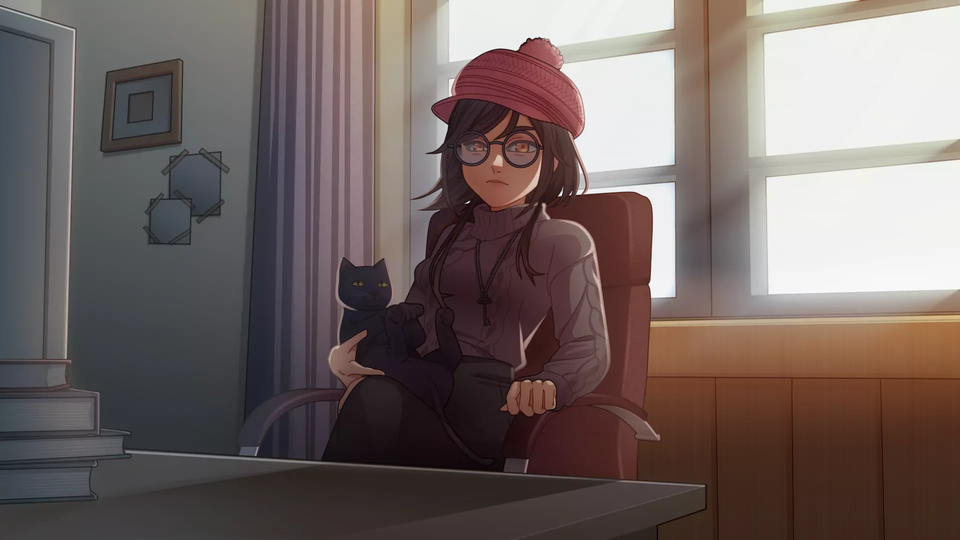
Maxine and Spinach in a chair.
(Click image to reveal)